An app for patient’s families to manage their loved one’s stay
Driving 42% of users to pay through the app instead of reception
Overview
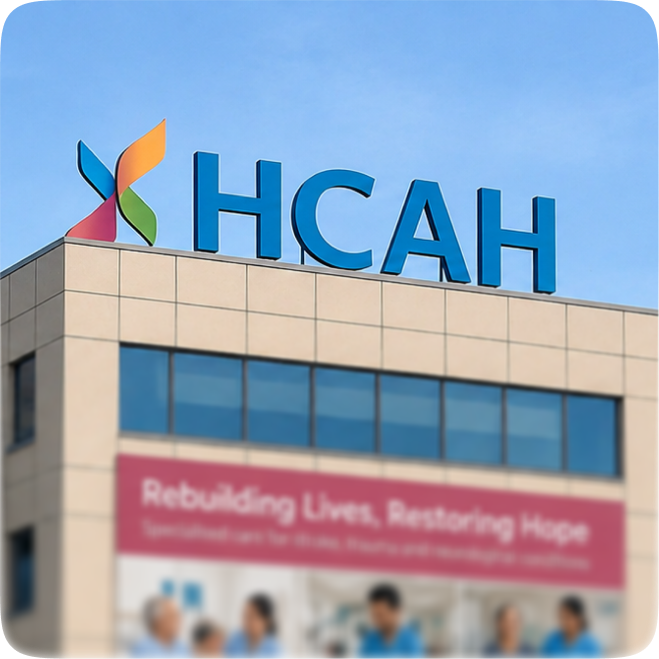
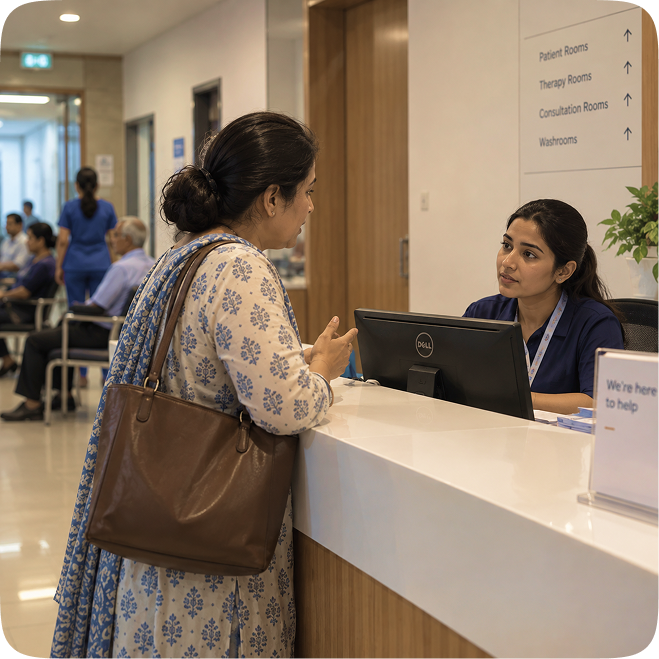
I spoke to families on calls while their patient was admitted, and to the staff who dealt with them every day
The initial research focused on understanding the family members’ daily challenges, their routines, and how the staff supported them

Patient family member
- Stressed
- Multi-tasking
- Anxious
- Responsible
- Needs clarity
- Check the patient’s recovery and progress
- Keep track of bills, payments, and expenses
- Coordinate with staff when something needs attention
- Make sure the patient is comfortable and has no unresolved issues

Recovery staff
- Time-pressed
- Collaborative
- Task-focused
- Accountable
- Plan and deliver the patient’s sessions and care
- Coordinate with other teams on what needs to be done
- Track patient progress and update care plans
- Handle issues raised by patients or their families
- Keep daily operations moving across multiple patients
The initial research helped me identify which problems we could address through the product and which were beyond our scope
We could influence
-
Bills & payments
Families had to find someone at reception to check a bill or make a payment.
-
Recovery visibility
Recovery progress lived on a board in the room, so families depended on staff for updates.
-
Issue reporting
Problems were raised with whoever was nearby, with no clear route to the person responsible or visibility into what happened next.
We couldn’t control
-
The resolution
A lift could be reported through the app, but fixing it still depended on the technician being available.
-
Pricing decisions
We could make charges easier to understand, but we couldn’t change why a particular item was priced a certain way.
-
Staff issues
We could route a complaint to the appropriate person, but the investigation and resolution had to happen on the ground.
Every time a family wanted to check a bill, report an issue, or see recovery progress, they had to find a staff member first
1. Checking a bill meant a trip to reception
- Only reception could check a bill or take payment, 2–3 times a day.
- Extra effort for families, repetitive work for staff.

2. Reporting and tracking an issue wasn’t easy
- Issues went to whoever families could find, with no clear owner.
- Tracked by hand on sheets, so follow-ups and timelines were unclear.
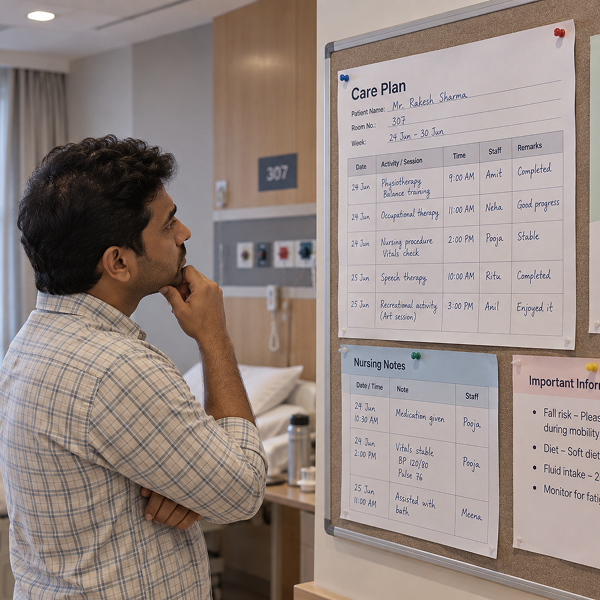
3. Families had little visibility into recovery progress
- Progress lived on a board in the room, where updates went stale.
- Families depended on staff to know how recovery was going.
We could have covered all three problems in the first phase. I suggested solving one end‑to‑end instead, and the team agreed
The trade-off
Three half‑solved problems would have told us nothing about what families actually cared about. Phasing was slower, but it bought evidence.
Billing was the most frequent reason families went to reception, and the fastest win for both sides, so it shipped first. The rest followed once it held up.

Every screen had one test: could a family member do this themselves, first try, without asking staff?
Care Plan
A care plan outlines the sessions and procedures needed for a patient's recovery. Families can now view and track their progress anytime, without relying on staff or notice boards.
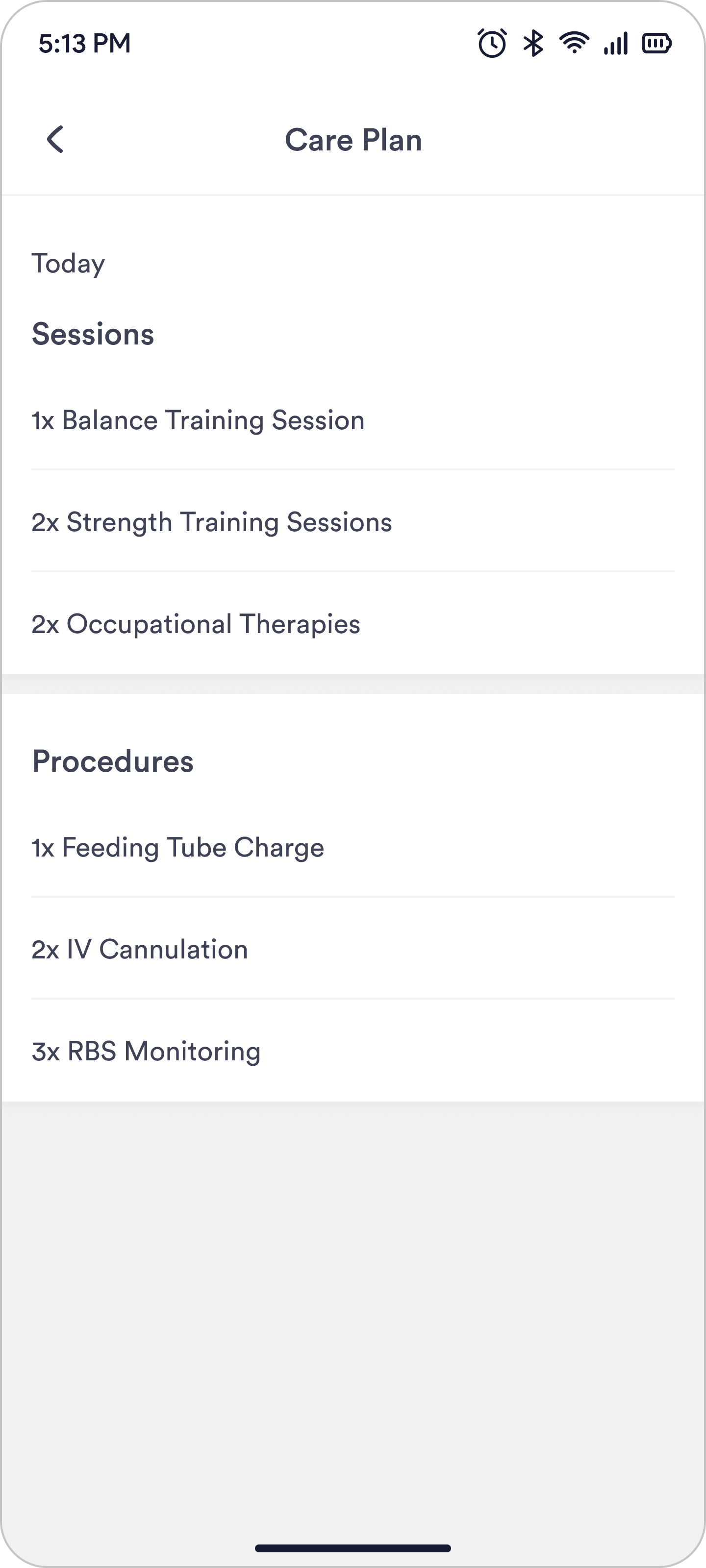
- 1Only today’s plan. No way to look back or ahead.
- 2“3x” read as a step number, not a count.
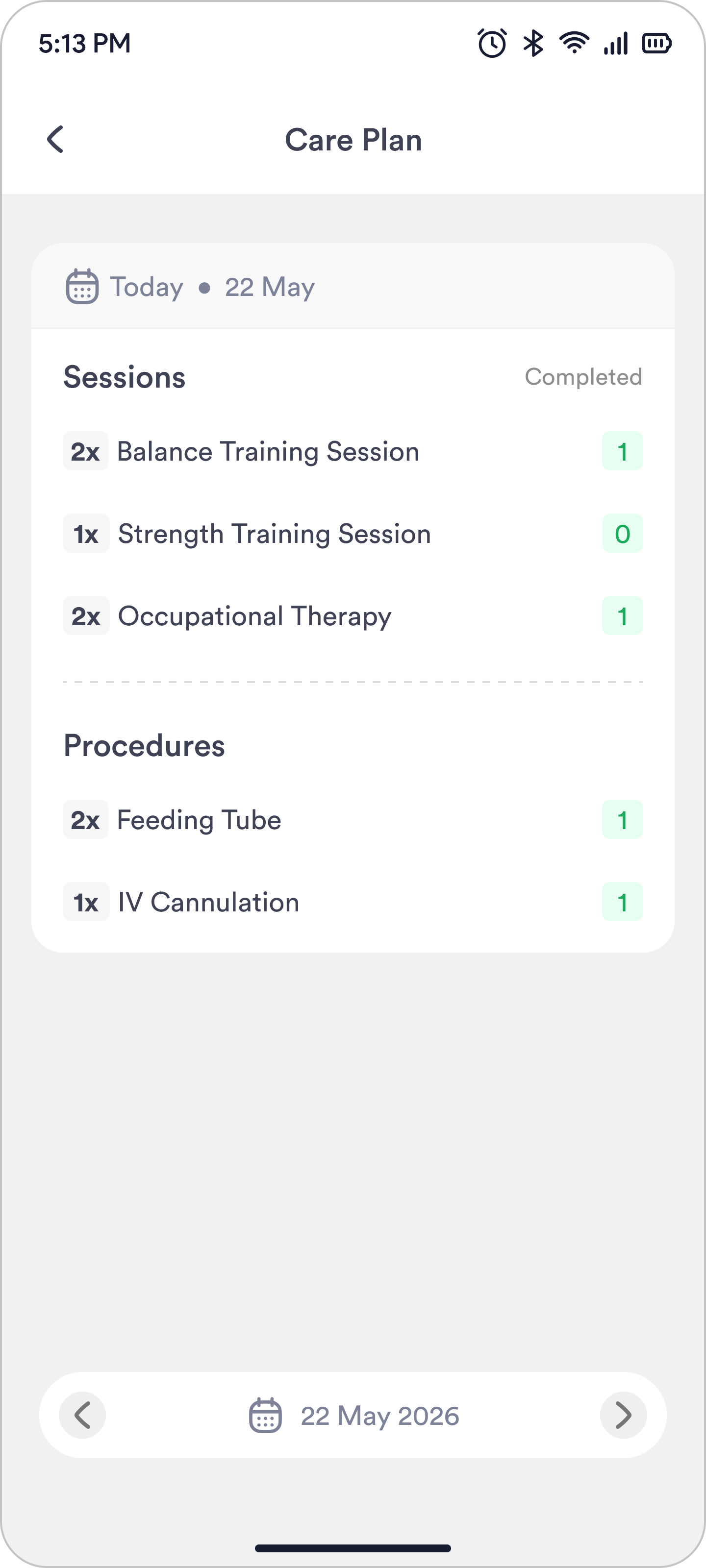
- 1Completed showed a bare number. One out of how many?
- 2The date sat in the header but changed from the bottom bar.
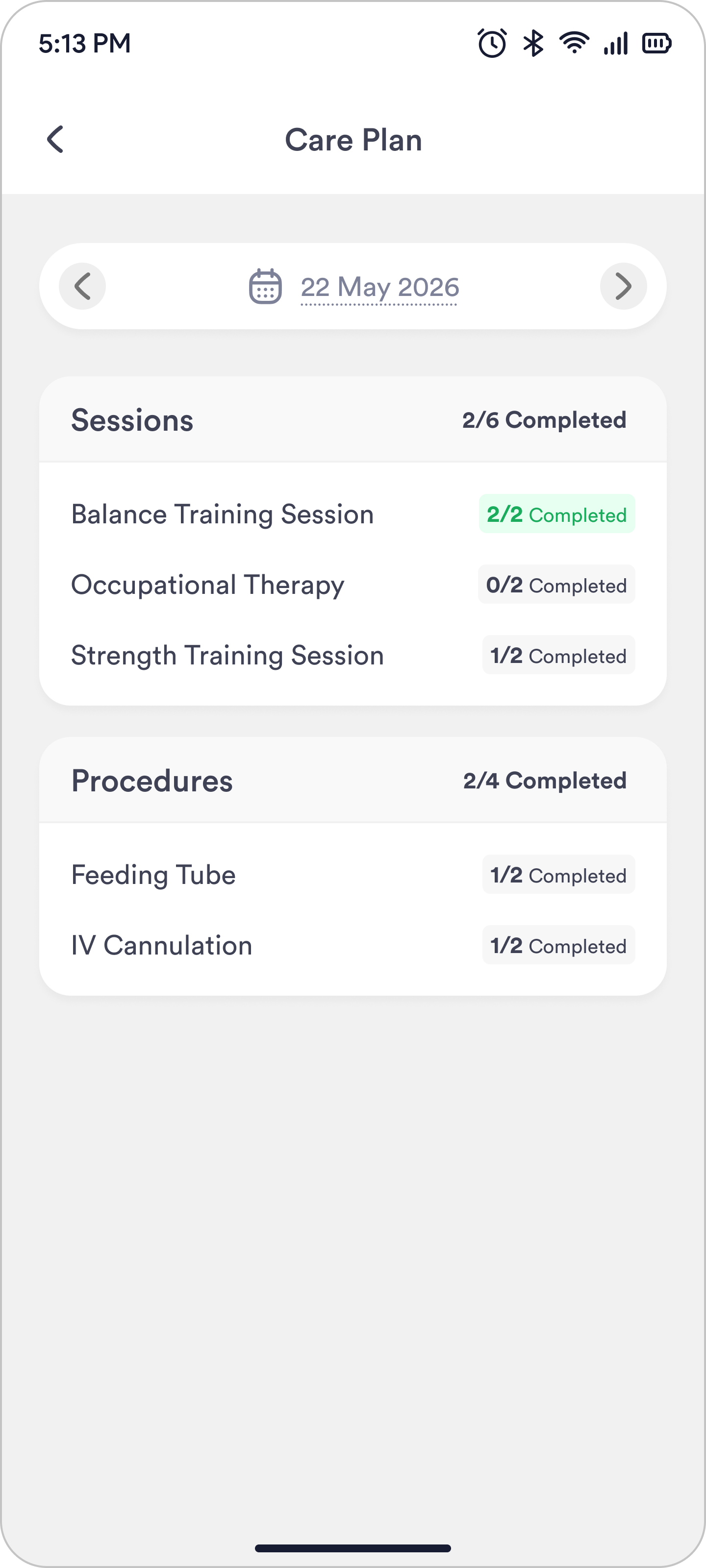
- 1One date control, at the top, where the plan starts.
- 2Counts read as completed out of planned.
Milestones
Milestones highlight key achievements in a patient's recovery, helping families understand their loved one's progress and how their recovery is going.
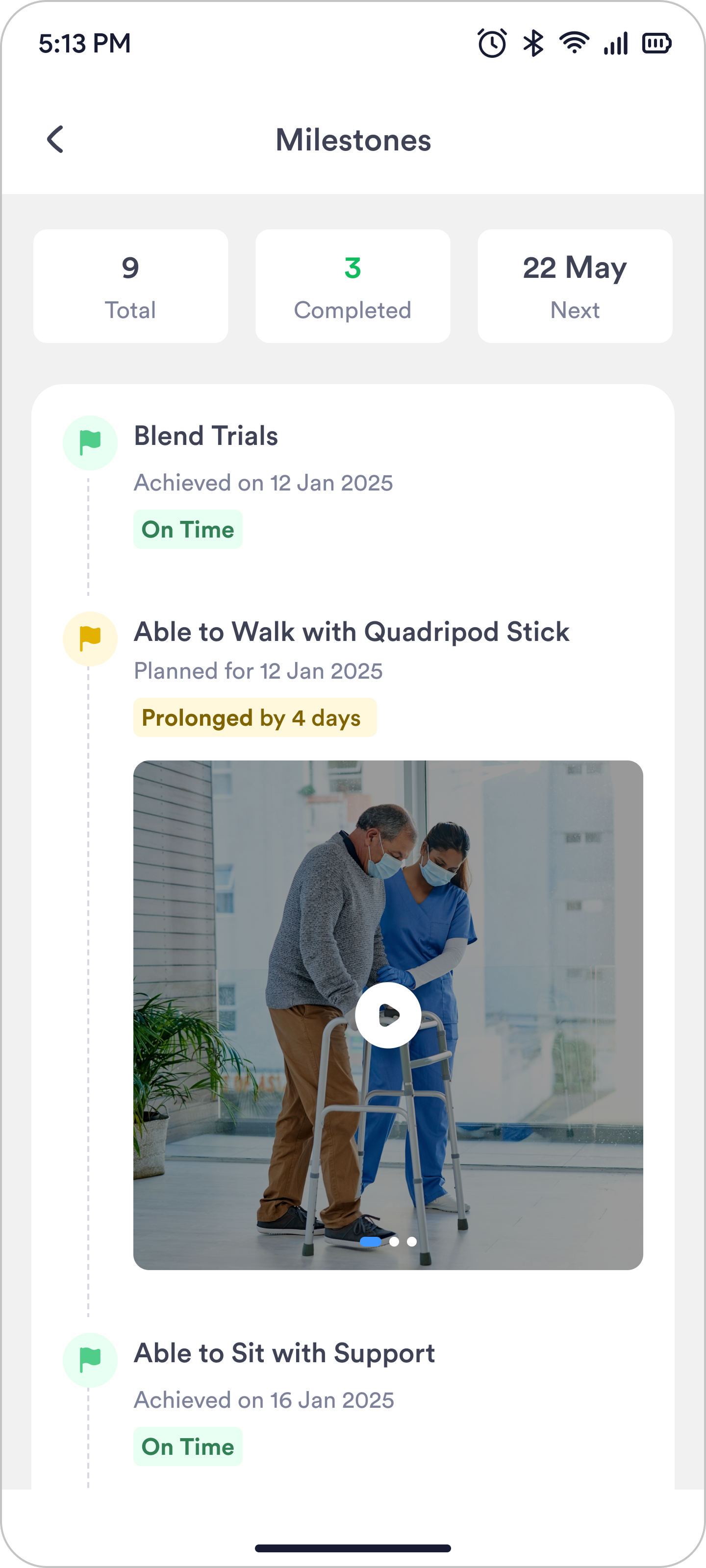
- 1No pending count. The user had to do 9 minus 3.
- 2The user had to scroll past the done ones.
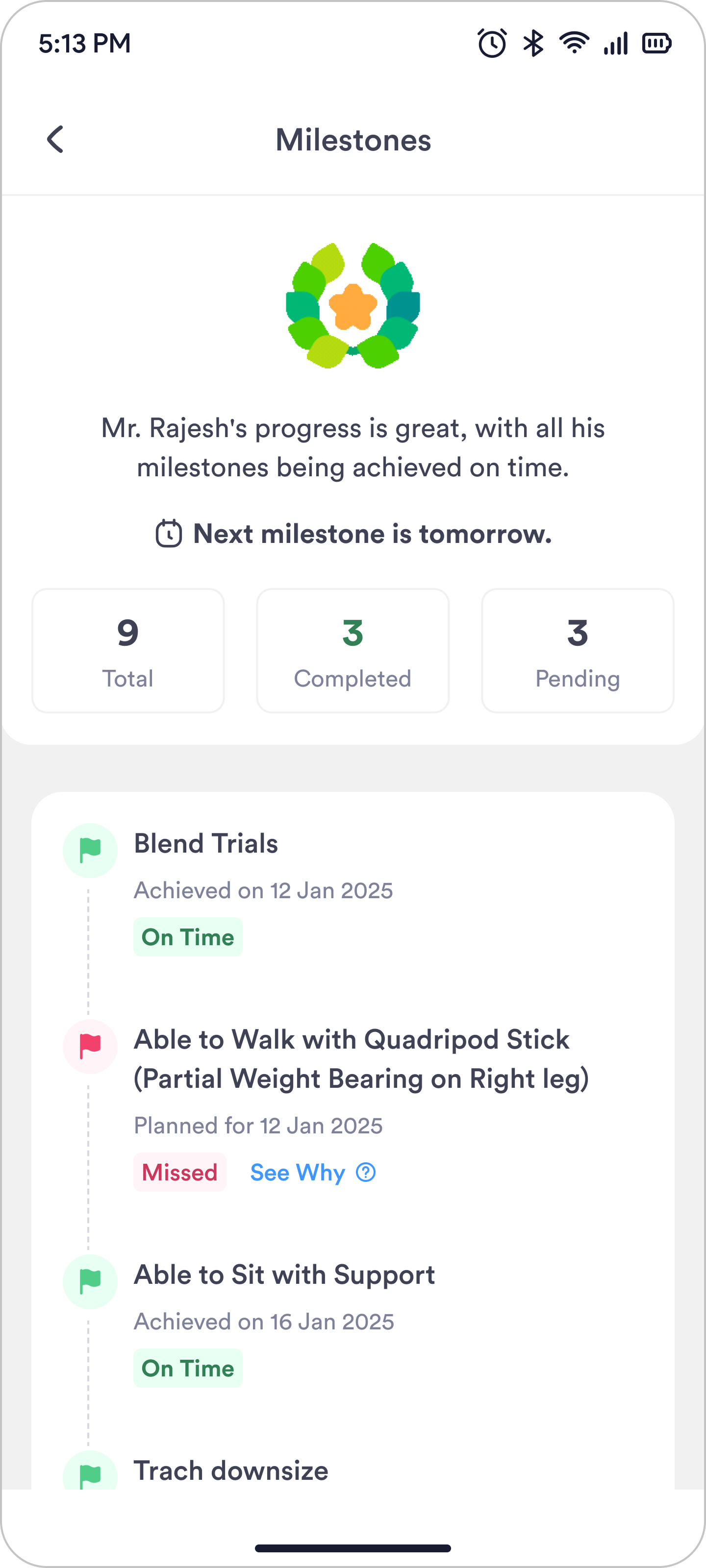
- 1The summary text didn’t fit every case.
- 2“Achieved on” and “Planned for” were wordy.
- 3The user still had to scroll to find pending ones.
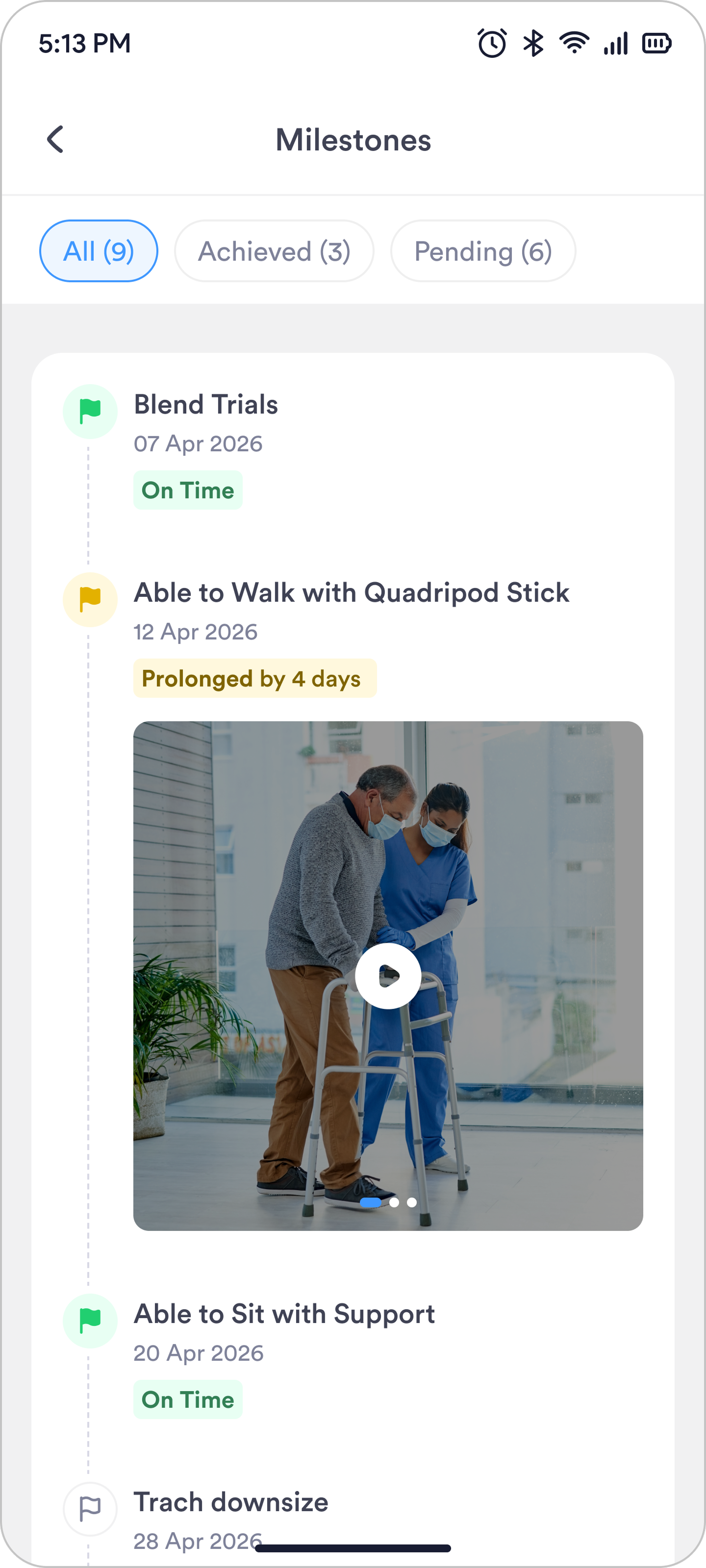
- 1The count sits in the filter now.
- 2One tap shows pending. No scrolling.
- 3Just the date. Easier to read.
Bills and Payments
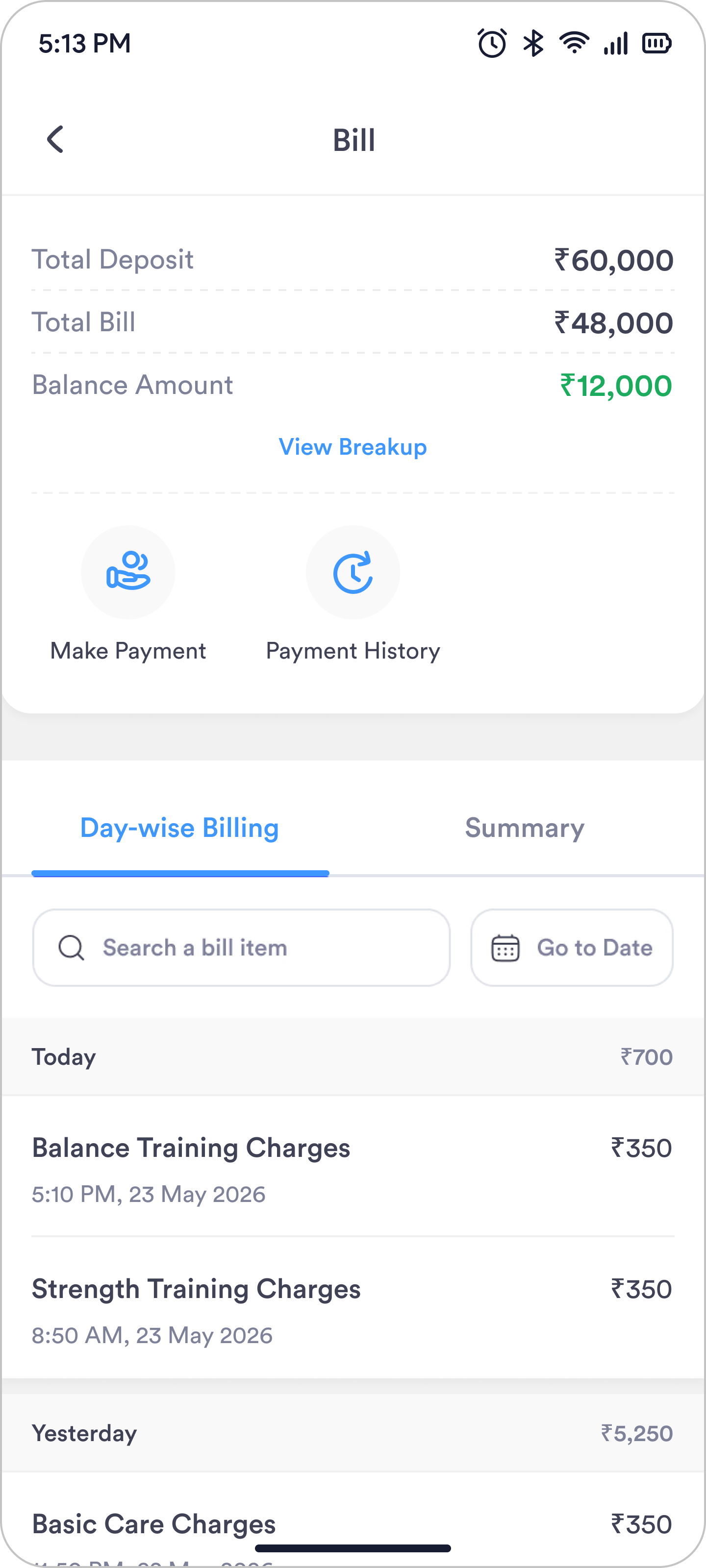
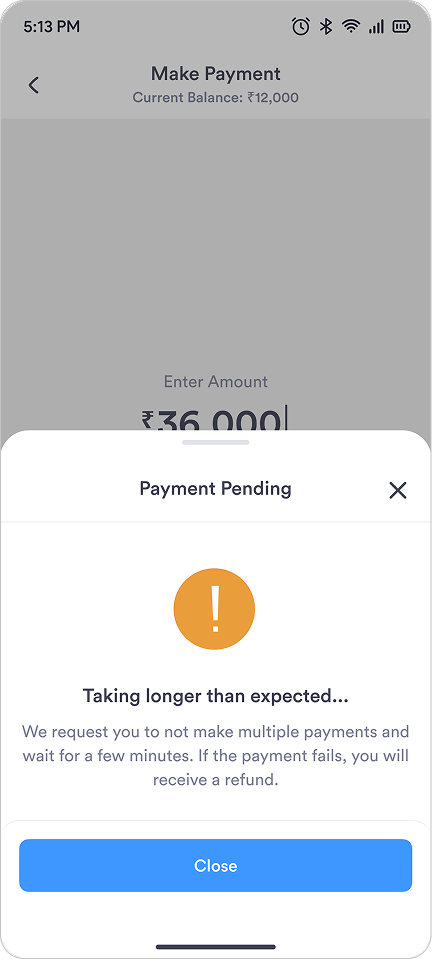
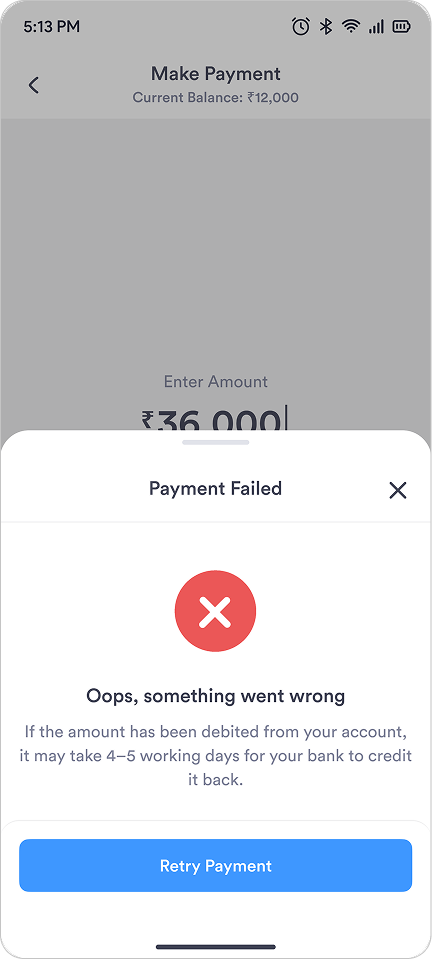
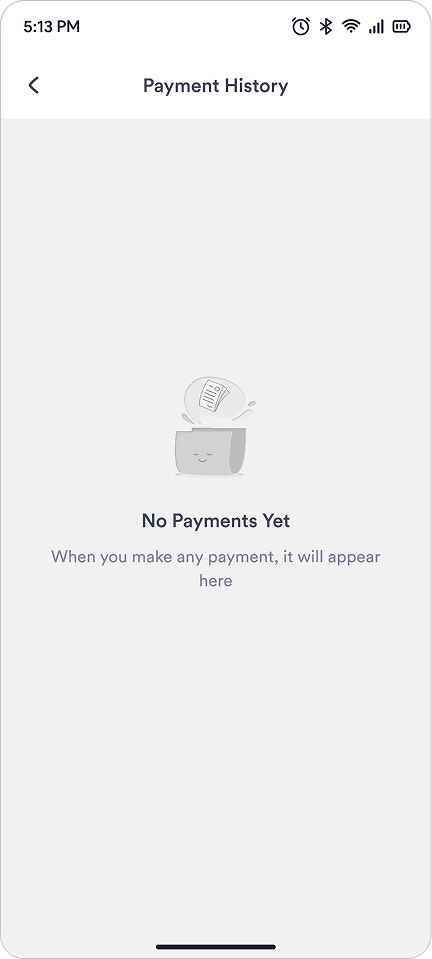
Families can now view bills and make payments from the app, without visiting the reception every time.
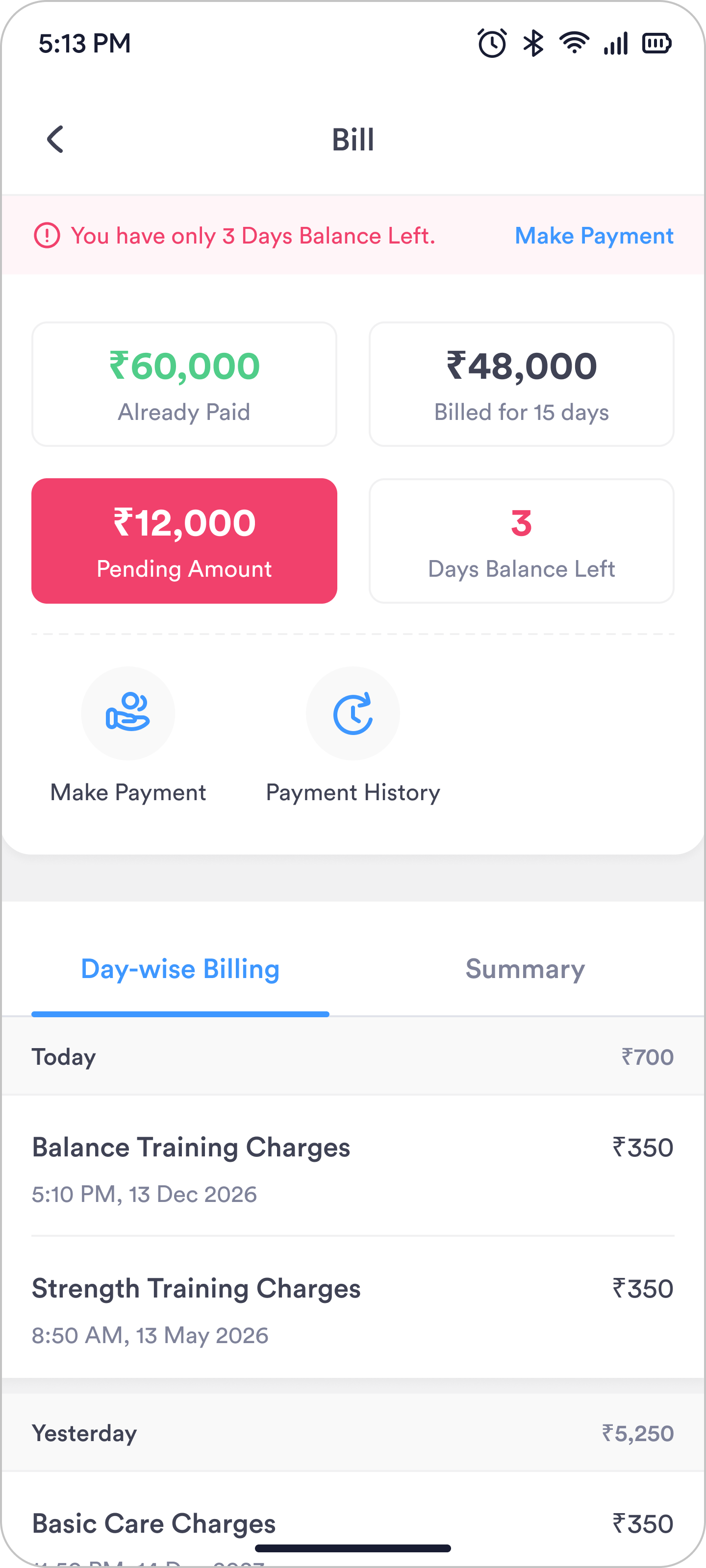
- 1The cards couldn’t scale to more bill terms.
- 2“3 Days Balance Left” was a guess, not useful.
- 3No way to search or pick a date.
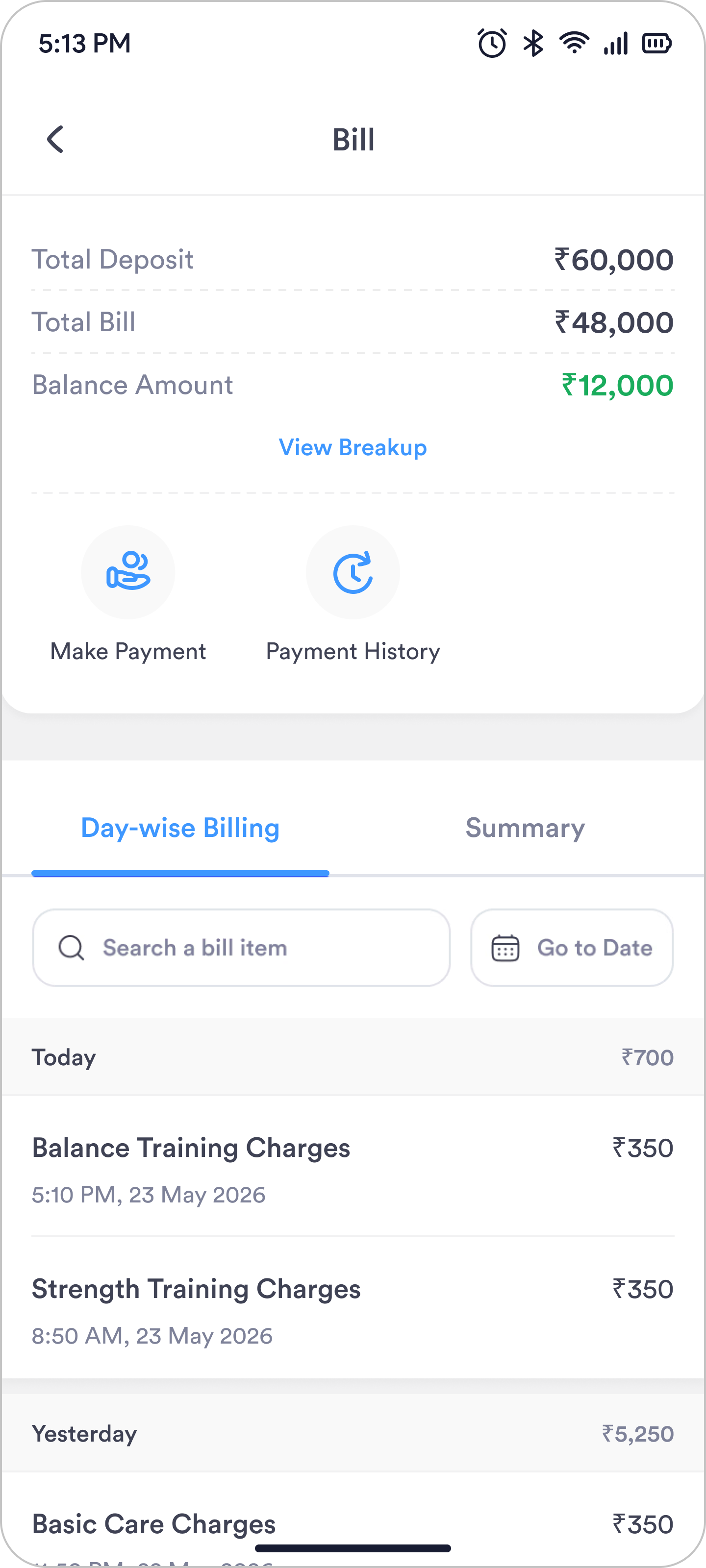
- 1Discounts and corrections sit under View Breakup.
- 2The user can search an item or pick a date.
Reporting and Tracking Issues
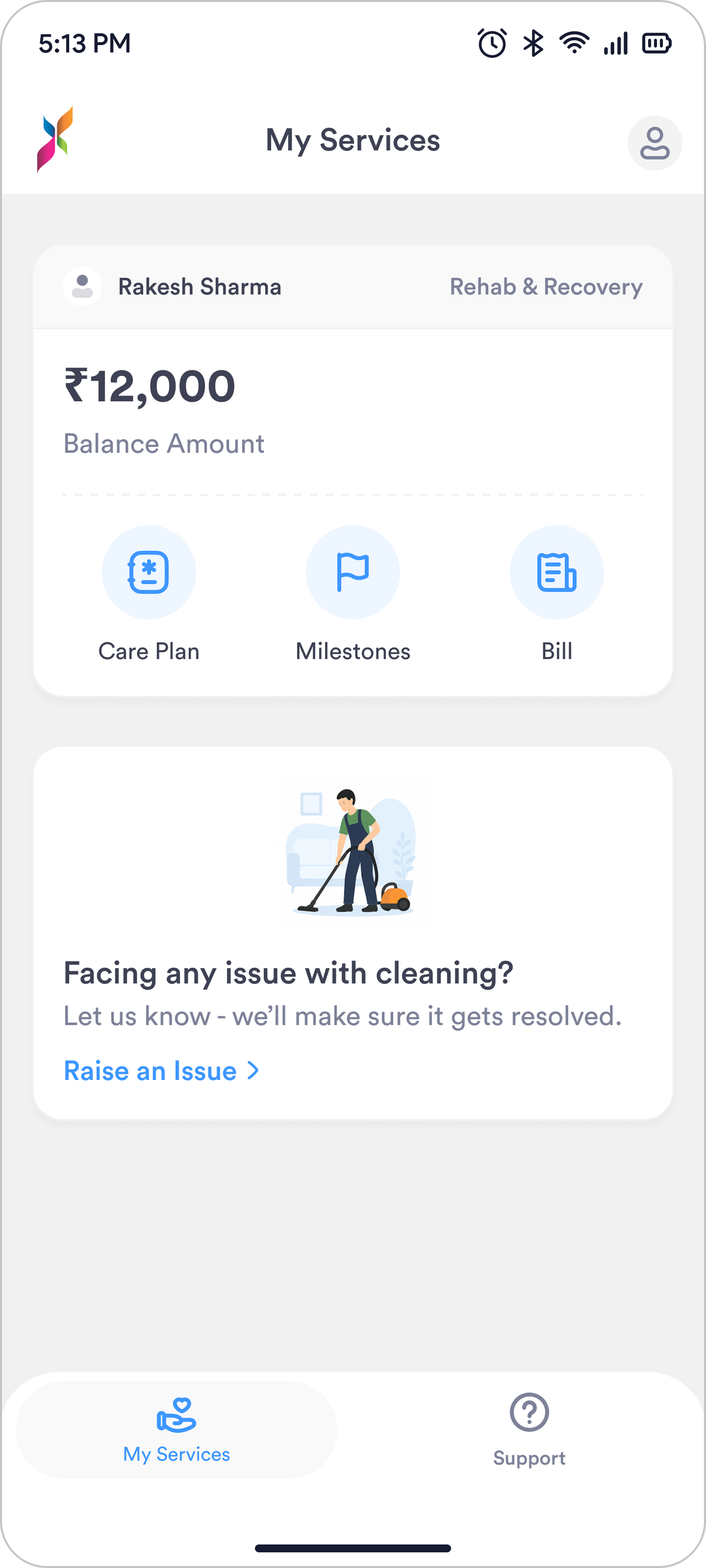
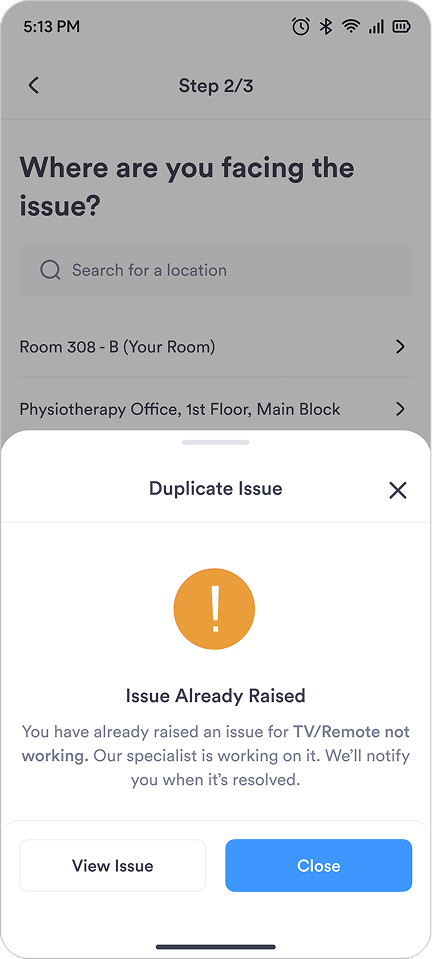
Families can report issues and track updates directly in the app, while giving staff and the business clear visibility into recurring problems that need attention.
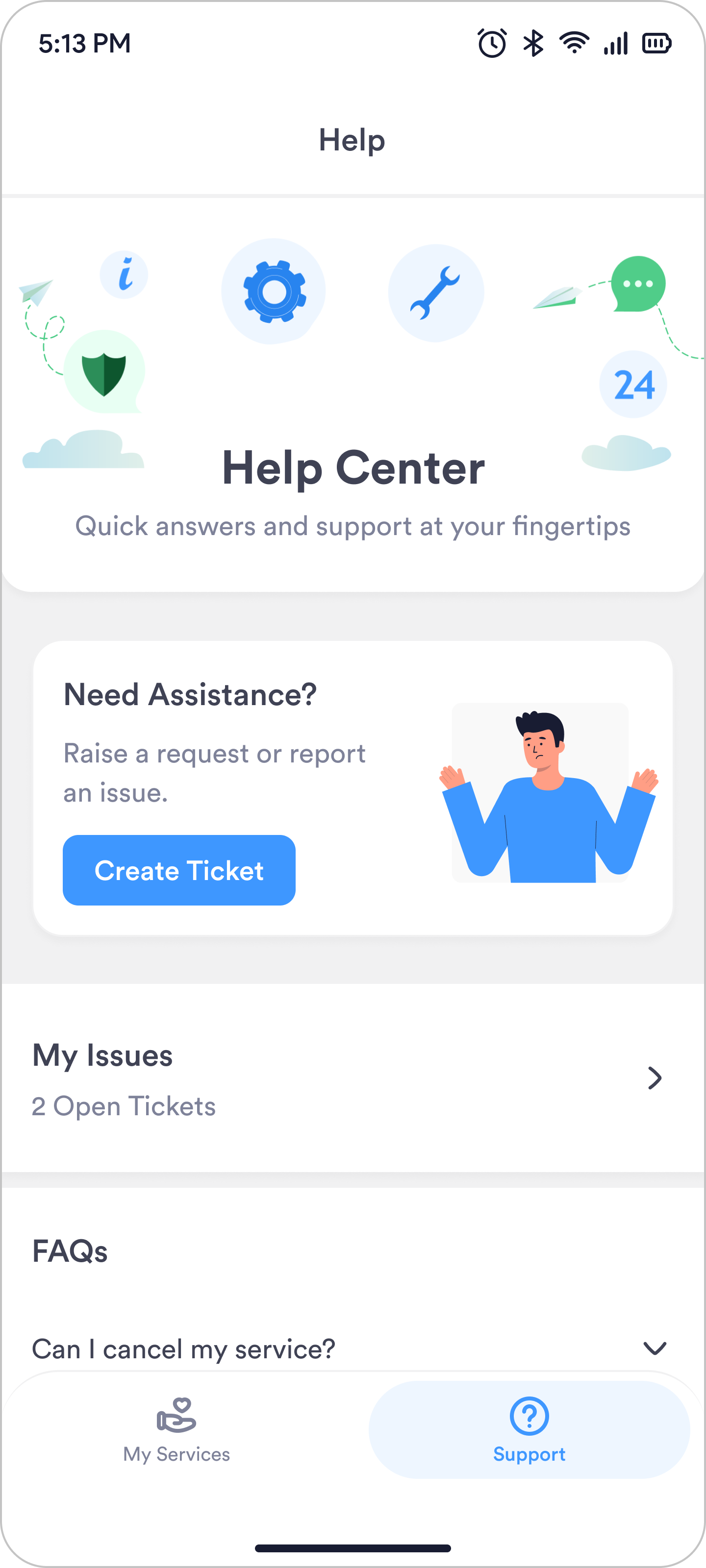
- 1The banner took the top of the screen without earning it.
- 2“Create Ticket” was support-desk language, not how families speak.
- 3Raised issues sat one screen deeper.
- 4The PM wanted FAQs here. There was no reason for them, so I pushed back.
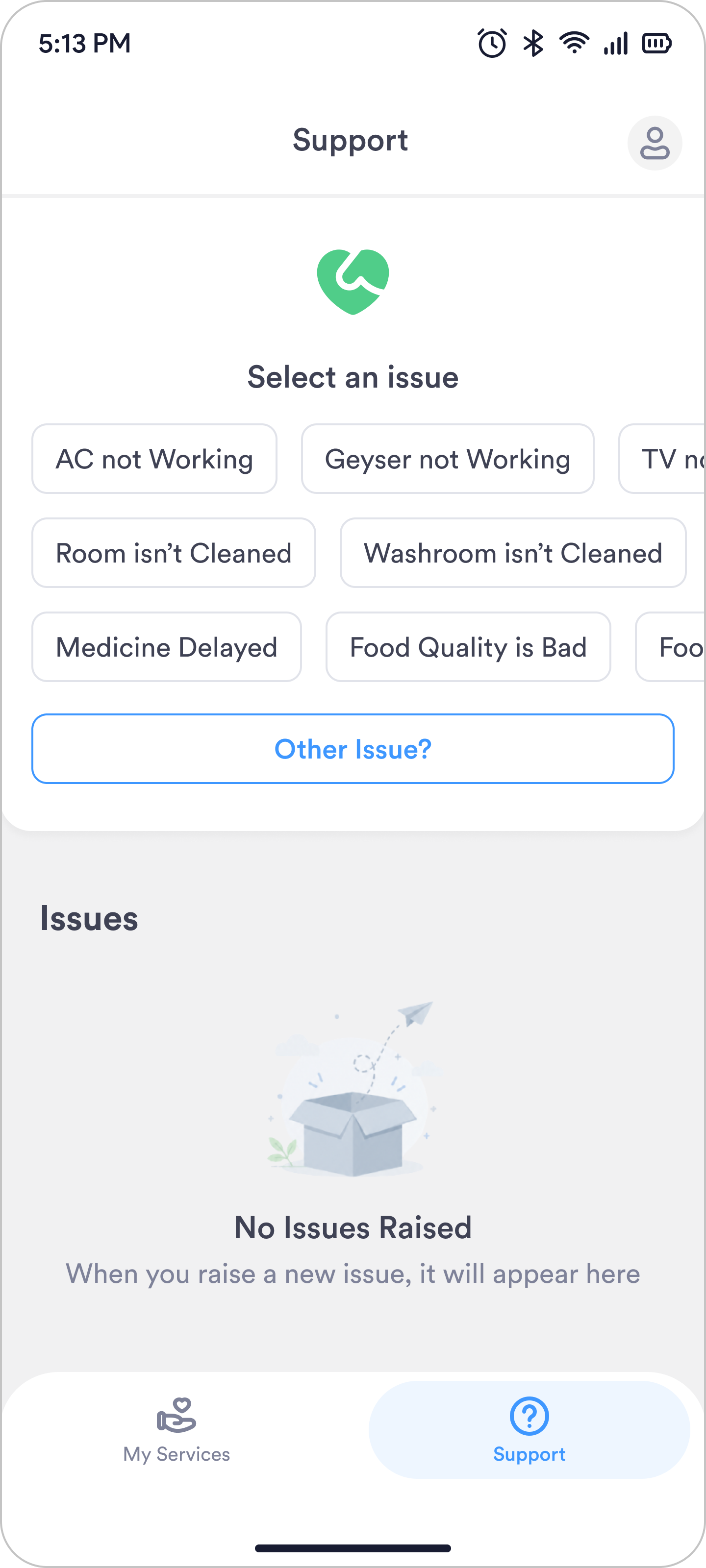
- 1What belongs at the front needs usage data, not an assumption.
- 2Raised issues moved to the main screen.
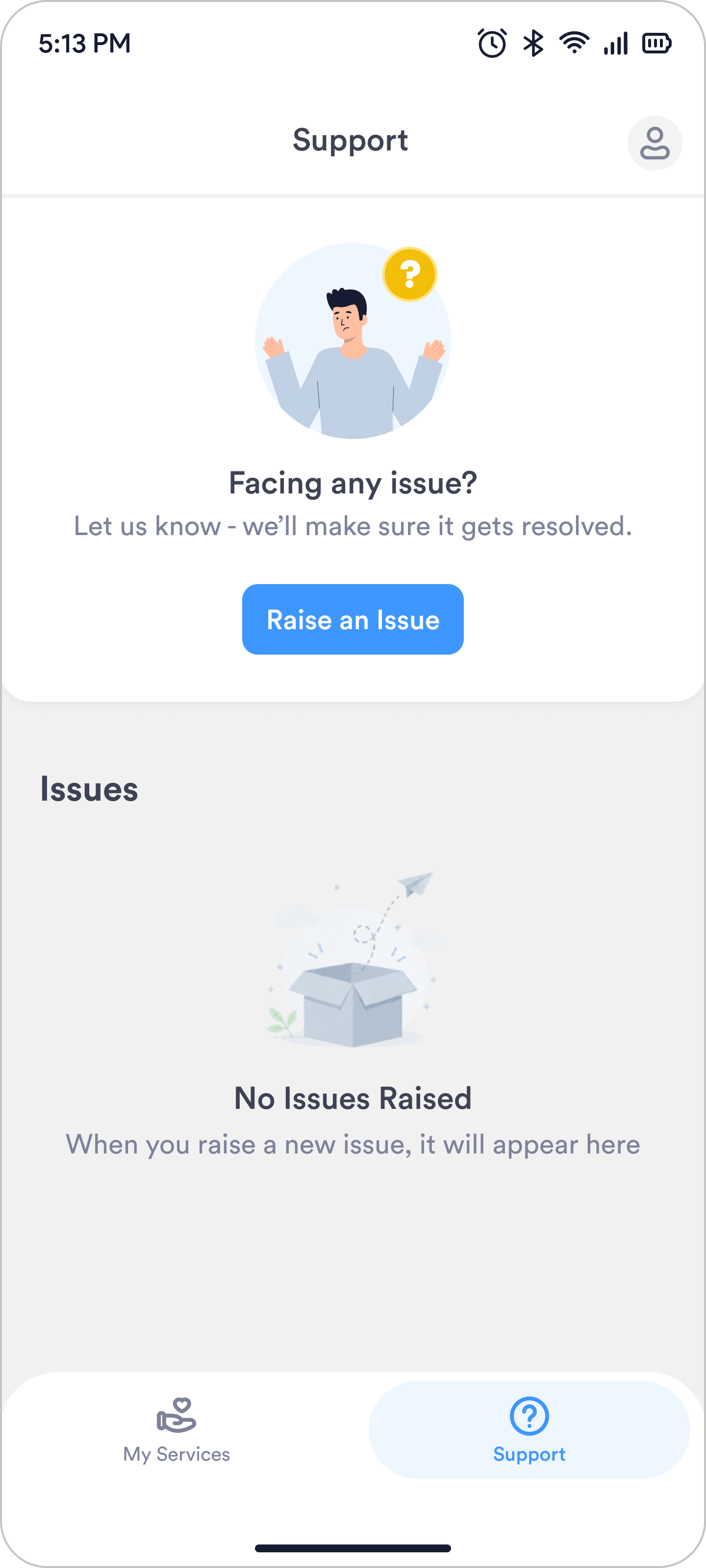
- 1One clear action. The screen is simpler, and the user knows what to do.
Built to scale
I turned recurring UI patterns into reusable components, with flexible properties and states to make new screens faster to design and easier to maintain.
Other Screens
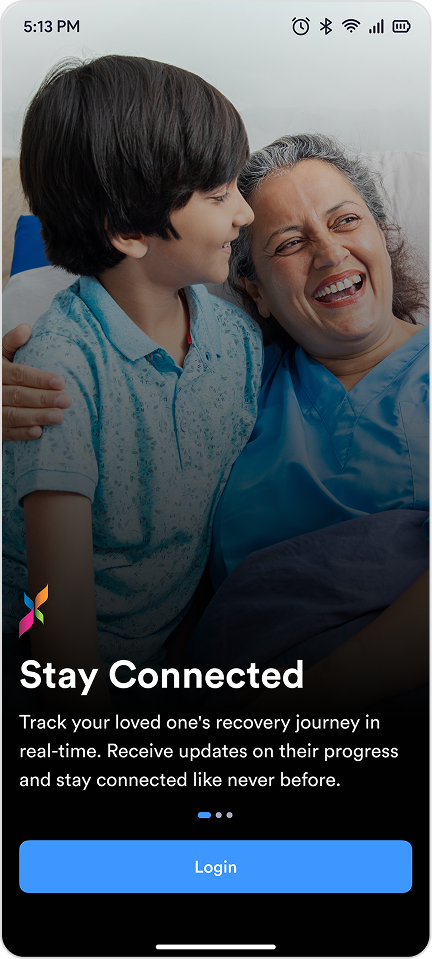
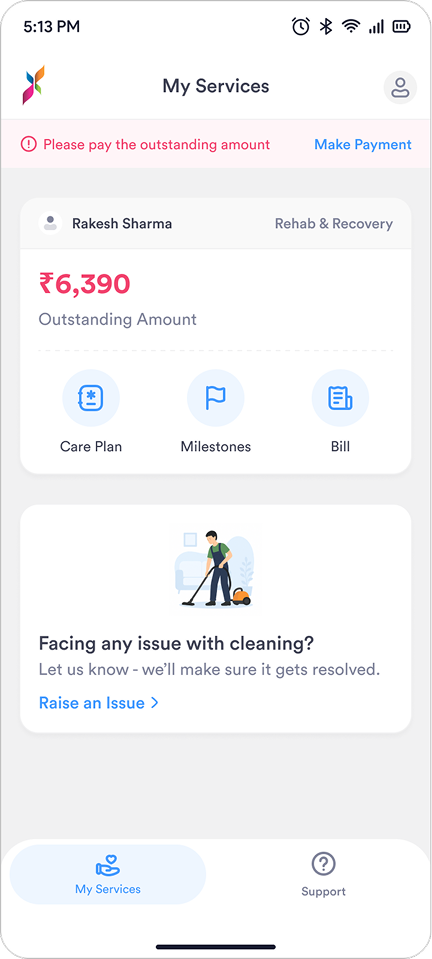
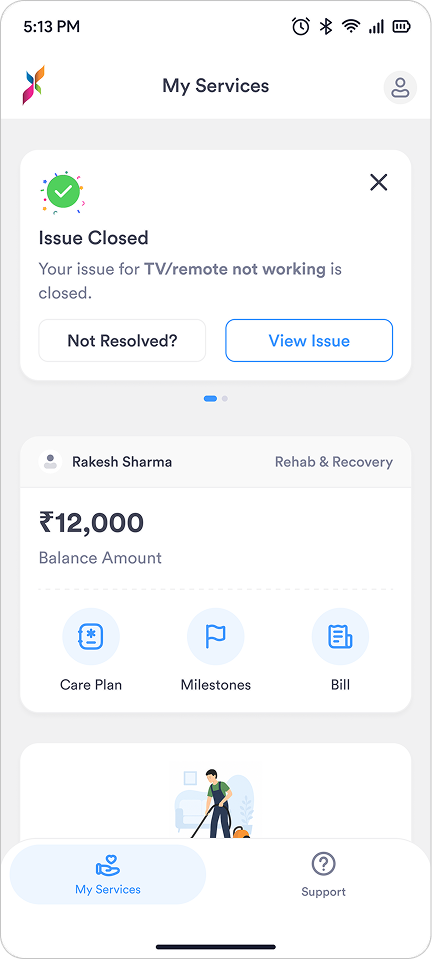
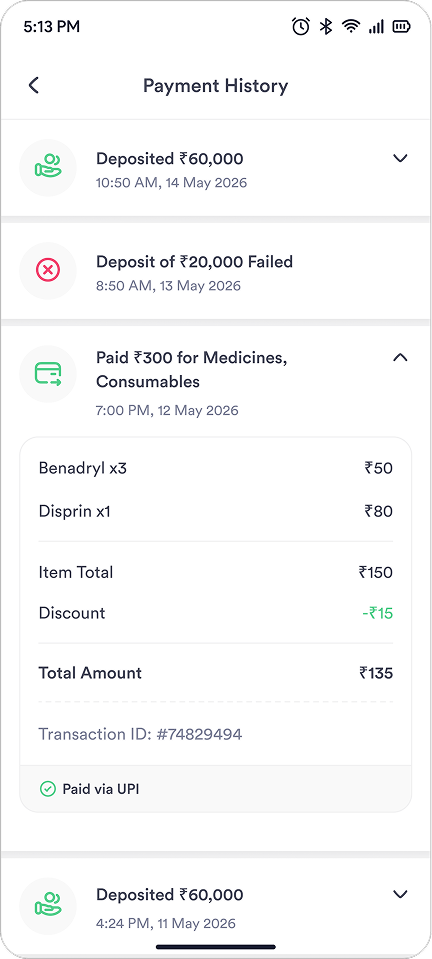
Adoption stalled at 10% after launch. Talking to families showed it wasn’t a product gap but a discovery one, so we fixed how people found the app, not what was in it
What We Did
Instead of adding more features, I and the PM focused on making sure families knew about the app and understood its value.
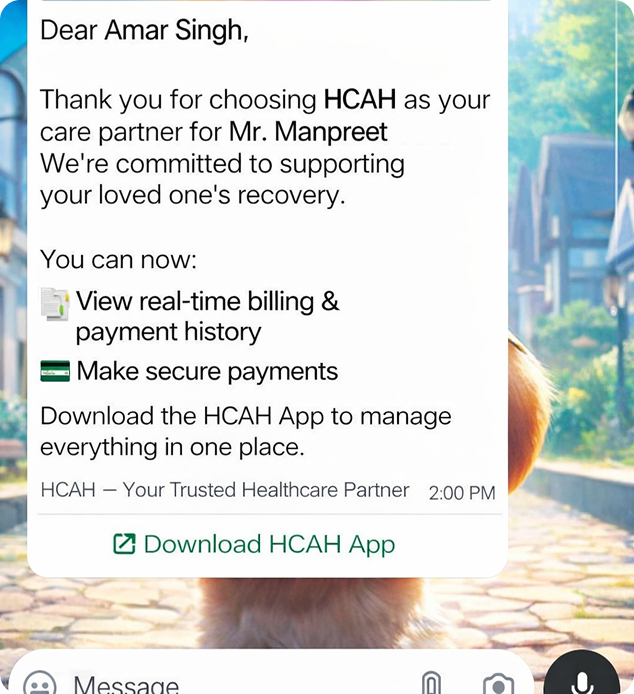
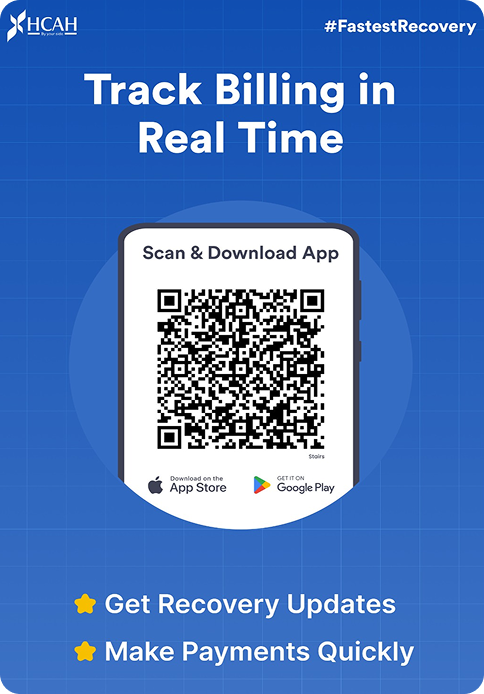
Within a couple of weeks of introducing these changes, app logins increased from 10% to around 90%
Bringing billing, payments and issue tracking into one place changed how families experienced a stay at HCAH’s recovery centres, and took real load off the reception desk
What I took from building this
1. Adoption comes from providing value
The app was designed with a single goal: making it easier for families to manage their loved one's stay. By solving their core problems and providing clear value, adoption came naturally.
2. Solve one problem fully rather than three partially
Rather than spreading my effort across multiple problems, I focused deeply on one clearly understood problem first. This clarity helped me make more confident decisions and solve billing effectively before expanding the experience further.
3. What I’d do differently
The app itself worked from day one, but early usage showed that families weren’t aware of it. We quickly identified the gap and improved how the app was introduced during admission and through on-site communication. Since then, I consider product discovery and onboarding part of the design process, not something to solve after launch.